

10 Things to Check Before Buying a Used iPhone (and How Open-Box Solves It)
Buying a used iPhone can be risky if you don't know what to check. From IMEI and Activation Lock to battery health, screen, cameras, and water damage, this 10-point checklist helps you verify a used iPhone before paying. Learn how Zoopify's open-box delivery lets you inspect the phone at your doorstep before paying the balance.
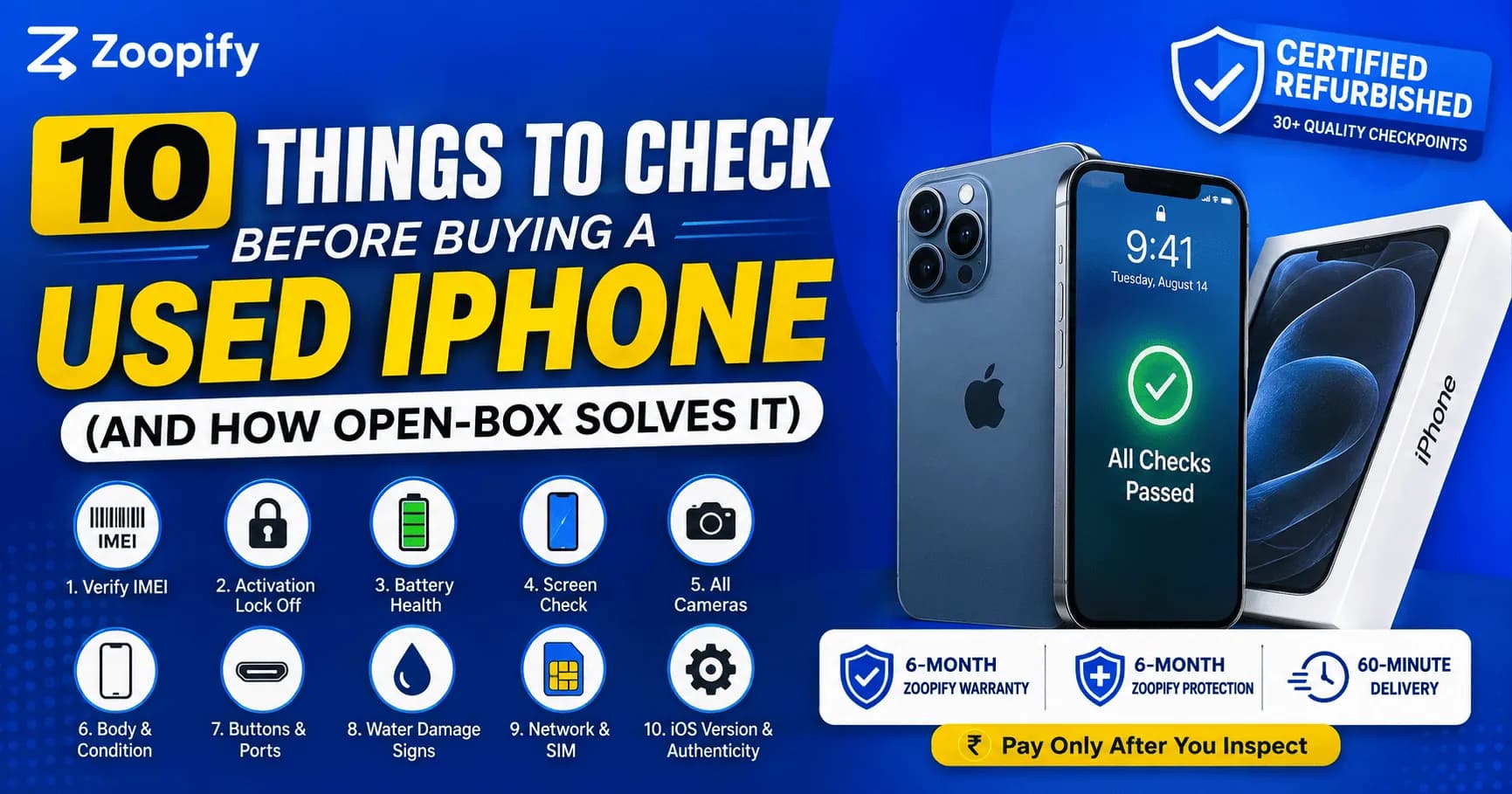
Quick Answer
By the Zoopify Team · Updated September 2026 · 7 min read
Most people who get burned buying a used iPhone skipped a check that takes under a minute. A locked device, a swollen battery, a non-genuine screen, a stolen IMEI — every one of these is avoidable if you know what to look for before you pay. This is the exact checklist our team runs on every device, and at the end, how open-box delivery lets you run it yourself before any money changes hands.
What you'll learn: the ten checks that separate a safe used iPhone from a costly mistake — in priority order — and how Zoopify's open-box delivery does all of them with you, before you pay.
What should you check before buying a used iPhone?
Before buying a used iPhone, check ten things: IMEI authenticity, Activation Lock status, battery health, physical condition, all cameras, the screen for dead pixels or burn-in, every button and port, water-damage indicators, network/SIM function, and that it runs a current iOS. Each takes under a minute and together they rule out almost every common problem.
Run these in order — the first three are deal-breakers, so do them first. If any of the top three fails, stop; don't waste time on the rest.
The 10-point used iPhone checklist
Verify the IMEI. Dial *#06#, confirm the IMEI matches Settings → General → About and the box, then check it on a blacklist-verification service to rule out a stolen device.
Check Activation Lock is off. Make sure Find My iPhone is disabled and the previous owner is fully signed out of their Apple ID. A locked iPhone is unusable.
Read battery health. Settings → Battery → Battery Health & Charging. Aim for 85%+; treat 80% as the floor.
Inspect the screen. Display a white then black image full-screen to spot dead pixels, discoloration or OLED burn-in; swipe to find touch dead-zones.
Test all cameras. Switch between wide, ultrawide and front lenses; check focus, flash and Portrait mode.
Check the body and frame. Look for bends, dents, cracks, and gaps between screen and frame — a gap can signal a swollen battery.
Test every button and port. Power, volume, mute switch, charging port — confirm it charges and the port isn't loose.
Look for water-damage signs. Check the SIM-tray slot for a red indicator (white/silver is normal); watch for flickering or muffled audio.
Confirm network and SIM work. Insert a SIM, make a test call, check mobile data and Wi-Fi, confirm it's unlocked for Indian carriers.
Check iOS and authenticity warnings. Confirm current iOS and no "Unknown Part" or "Non-genuine battery" warnings in Settings.
Which of these checks matter most?
The three non-negotiable checks are IMEI authenticity, Activation Lock status, and battery health. A bad IMEI means a possibly stolen phone, Activation Lock makes the device unusable, and poor battery health means an imminent replacement cost. If any of these three fails, walk away regardless of the price.
The remaining seven checks affect how much you should pay and how long the phone lasts, but the top three decide whether you should buy it at all.
How open-box delivery solves the checklist problem
The catch with buying online is that most sellers take full payment before delivery — so you only run these checks after the money is gone. Open-box delivery reverses that: with Zoopify, a trained executive brings the phone in 60 minutes and unboxes it with you, so all ten checks happen before you pay the balance. If anything fails, you reject it on the spot.
This is the real value of the open-box model — it turns a checklist you're supposed to trust the seller on into one you run yourself:
We run the checklist with you at your doorstep — battery health, IMEI, condition, every feature.
Every device already passed 30+ checkpoints before it reaches you, plus a 6-Month Zoopify Warranty and 6-Month Zoopify Protection.
Pay only if it passes — ₹250 to book, balance after your own inspection.
60-minute delivery across Koramangala, Whitefield, Electronic City, Bellandur and HSR Layout.
The bottom line
Buying a used iPhone safely comes down to ten checks — and three of them (IMEI, Activation Lock, battery health) are non-negotiable. The problem has always been that most sellers make you pay before you can run them. Open-box delivery fixes that: you run every check yourself, at your door, and pay only once the phone passes. The checklist is your protection; open-box is how you actually get to use it.
Skip the guesswork — get a certified iPhone delivered in 60 minutes and run these checks before you pay. Browse Zoopify deals → or message us on WhatsApp.
About the author: The Zoopify team certifies and delivers pre-owned iPhones across Bangalore, with every device passing 30+ quality checkpoints. This guidance comes from hands-on experience grading and verifying thousands of used iPhones.
Frequently Asked Questions
Dial *#06# for the IMEI, confirm it matches Settings and the box, then check it on a blacklist-verification service. Also confirm Find My iPhone / Activation Lock is off.
Check the SIM-tray slot for a red liquid-contact indicator (it should be white or silver). Watch for screen flickering, muffled audio, or a camera that won't focus.
With most online sellers, no — you pay first. With Zoopify's open-box delivery, yes: the phone arrives in 60 minutes and is unboxed with you, so you run every check before paying the balance.
The three non-negotiables are IMEI authenticity (not stolen), Activation Lock status (not locked to someone else's Apple ID), and battery health (85%+ ideal). If any fails, don't buy.
Aim for 85% or higher; 80% is the minimum. Below 80%, a genuine battery replacement is due soon, so factor that into the price.